
Mastering H1 Tags: Essential Tips for SEO and Web Accessibility
H1 tags are one of the most consistently mishandled elements in on-page SEO. They are simple in principle: one tag, one page, one clear statement of what the page is about. The mistakes businesses make with them are predictable and fixable.
The H1 tag is an HTML element that defines the primary heading of a webpage. It tells both the user and the search engine what the page covers before anything else is read. In WordPress, the page or post title is automatically assigned as the H1. In Wix and Squarespace the same applies, though both allow manual adjustment if needed.
The H1 sits at the top of the heading hierarchy. Below it come H2 subheadings, then H3s within those sections. This hierarchy is not just a visual convention. Search engines use it to map the structure of a page and assess how well the content is organised around its stated topic.
Why H1 Tags Matter for SEO
When Google crawls a page, the H1 is one of the first signals it reads to determine topic relevance. A page about accountancy services in Belfast with an H1 that says “Welcome to Our Website” is discarding one of the clearest ranking signals available. This kind of mismatch is common on older sites built without SEO in mind, and it costs rankings.
The H1 also needs to align with the title tag and meta description. If all three point to the same topic and keyword, Google has consistent signals across multiple touchpoints. If they contradict each other or cover different ground, that inconsistency dilutes relevance for the target term.
A weak or generic H1 also affects long-tail keyword performance. Long-tail searches, meaning queries of three words or more that reflect specific intent, make up the majority of searches on Google. A solicitor in Newry whose service page H1 reads “Legal Services” is unlikely to rank for “family law solicitor Newry” or “employment dispute advice Northern Ireland.” Rewriting that H1 to reflect the specific service and location is one of the simplest ways to improve visibility for the searches that actually bring in enquiries.
For a deeper look at how long-tail keywords work and how to identify the right ones for your business, read my guide on finding low-competition, high-intent keywords.
H1 Tags and Local SEO in Northern Ireland
For businesses targeting customers in a specific area, the H1 tag is one of the most direct places to signal local relevance. Including a location term where it reads naturally, such as “Plumbing Services in Belfast,” “HR Consultancy Northern Ireland,” or “Accountants in Derry,” gives Google a clear geographic signal that supports local pack rankings and organic results for location-based searches.
This matters particularly for searches with commercial intent. Someone typing “SEO consultant Belfast” or “web designer Lisburn” is ready to make a decision. A page whose H1 reflects that exact query, supported by matching content, has a structural advantage over a competitor whose H1 is vague or location-free.
Northern Ireland businesses often compete across a relatively small geographic area, which means the gap between ranking and not ranking can come down to on-page signals that are straightforward to fix. Getting the H1 right on every service page is a foundational step before anything else. For a broader overview of local search strategy, read my post on local SEO for Belfast businesses.
If you want to know whether your H1 tags are correctly set up across your site, an SEO audit will identify mismatches, missing tags, and pages where the heading hierarchy has broken down.
One H1 Per Page
Use one H1 tag per page. HTML5 technically permits multiple H1 tags within nested sections, but in practice this creates confusion for both search engines and screen readers. Google has confirmed that one H1 per page remains best practice. The argument for using multiple H1s rarely holds up on a standard business website, and the risk of diluting the page’s topical focus is real.
H1 Tags and Accessibility
Screen readers announce H1 tags to visually impaired users as the primary heading of the page. A missing or poorly written H1 forces screen reader users to hunt for context that sighted users get immediately. For public sector organisations, charities, and larger businesses in Northern Ireland and the UK, accessible heading structure is not optional. The Web Content Accessibility Guidelines require it, and failure to meet those standards carries legal risk under the Equality Act 2010.
Even for smaller businesses where compliance is not a formal obligation, accessible structure tends to produce better SEO outcomes. A site that screen readers can navigate cleanly is usually better organised for search engines too.
H1 Tags and AI Search
AI tools including Google’s AI Overviews and ChatGPT pull information from web pages to generate summaries and direct answers. The way they assess whether a page is relevant to a query relies partly on heading structure. A page with a clear H1 that directly addresses a question, supported by logically structured H2 subheadings, is easier for an AI system to parse and reference than one with vague or keyword-stuffed headings.
A flooring company in Antrim whose page H1 reads “Hardwood Floor Installation in Antrim and Mid Ulster” gives both Google and AI tools a precise, location-specific signal. The same company with an H1 of “Our Services” gives neither anything useful to work with.
This is part of a broader shift in how content needs to be structured for visibility across both traditional search and AI-generated results. You can read more about this in my guide to AI Search and GEO for Northern Ireland businesses.
Writing an Effective H1 Tag
Keep it concise. Between 20 and 70 characters is a reasonable range. It should describe what the page is actually about, include the primary keyword where it fits naturally, and match the intent of the page. For a service page, that means naming the service and the location. For a blog post, it means reflecting the specific question or topic the post addresses.
For long-tail targeting, consider what a potential customer in Northern Ireland or Ireland would actually type. “Kitchen fitters Belfast” is a long-tail keyword. “Fitted kitchens and bedroom furniture installation services Belfast Northern Ireland” is over-stuffed. The H1 should feel like a natural, specific description of the page rather than a list of keywords.
Avoid starting H1 tags with filler words. “Welcome to,” “Introduction to,” and “All About” waste the most prominent text signal on the page.
Checking Your H1 Tags
In WordPress, the title field on any page or post is your H1. Yoast SEO shows a preview of how the page appears in search results alongside the H1. Screaming Frog will crawl your entire site and flag pages with missing H1s, duplicate H1s, or H1s that do not match the title tag. It is free for sites under 500 URLs.
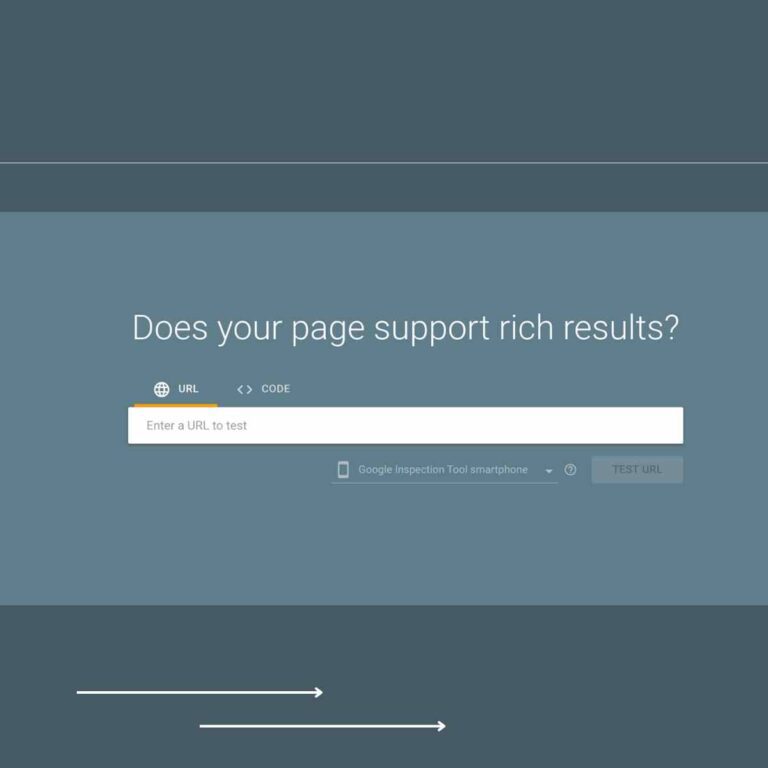
Google Search Console does not report on H1s directly, but the URL Inspection tool lets you view the rendered HTML of any page, where you can check what Google actually sees.
If you want to improve your on-page SEO and are not sure where to start, get in touch for a free consultation and I can take a look at what needs fixing.
Frequently Asked Questions
What is an H1 tag? The H1 tag is an HTML element that defines the primary heading of a webpage. It is the first and most important heading in the page hierarchy, telling search engines and users what the page is about before the body content is read.
Why is the H1 tag important for SEO? It is one of the clearest on-page signals available to search engines for determining what a page covers. A well-written H1 that aligns with the title tag, meta description, and body content gives Google consistent topical signals, which supports ranking for the target keyword including long-tail variations.
How many H1 tags should be used on a single page? One. HTML5 allows for multiple H1 tags in theory, but current best practice and Google’s own guidance is clear: one H1 per page. Use H2 and H3 tags for subheadings.
Can H1 tags impact the accessibility of a website? Yes. Screen readers announce the H1 as the primary heading of the page. A missing or poorly structured H1 makes it harder for visually impaired users to understand what the page covers. Correct heading hierarchy is a requirement under the Web Content Accessibility Guidelines.
How should I use H1 tags for local SEO in Northern Ireland? Include a location term in your H1 where it fits naturally alongside the service or topic. “Accountants in Belfast” or “HR Consultancy Northern Ireland” gives Google a clear geographic signal. Pair this with matching location terms in the title tag, meta description, and body content for the strongest local relevance signal. This supports ranking for both short local queries and longer-tail searches like “small business accountant Belfast city centre.”
What are best practices for writing effective H1 tags? Be specific and concise. Include the primary keyword where it fits naturally. Align the H1 with the title tag and meta description. For long-tail targeting, reflect the specific intent of the search rather than a generic category. Avoid filler openers and keyword stuffing.
How do I check H1 tags across my whole site? Screaming Frog SEO Spider will crawl your site and produce a full report on H1 tags, flagging missing tags, duplicates, and mismatches with title tags. For individual pages, the URL Inspection tool in Google Search Console lets you view the rendered HTML directly. If you would rather have someone else do it, an SEO audit covers this as part of a full site review.